Many of you have mentioned your Contact Group is not available in outlook. Here’s how you can make it visible:
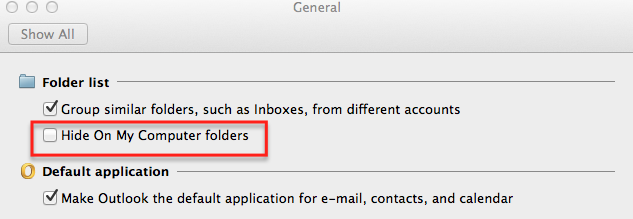 1. From Outlook, Go Outlook > Preferences > General
2. Un-check the Hide on My Computer Files Box
3. From there you can choose New > Contact Group
Click here for step by step instructions on how to create a Group.
